
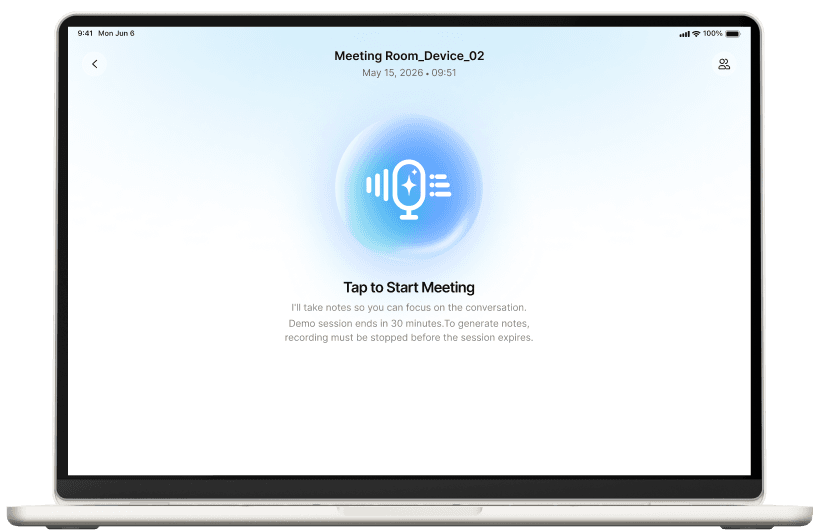
 No SetupNo WritingNo Cables
One Tap to Start Recording
Just open RoomX and tap to start recording.

RoomX manages meeting rooms and digital documents. NoteX uses Vietnamese AI to capture minutes and assign tasks. One solution replacing printed materials, notebooks, and post-meeting emails.
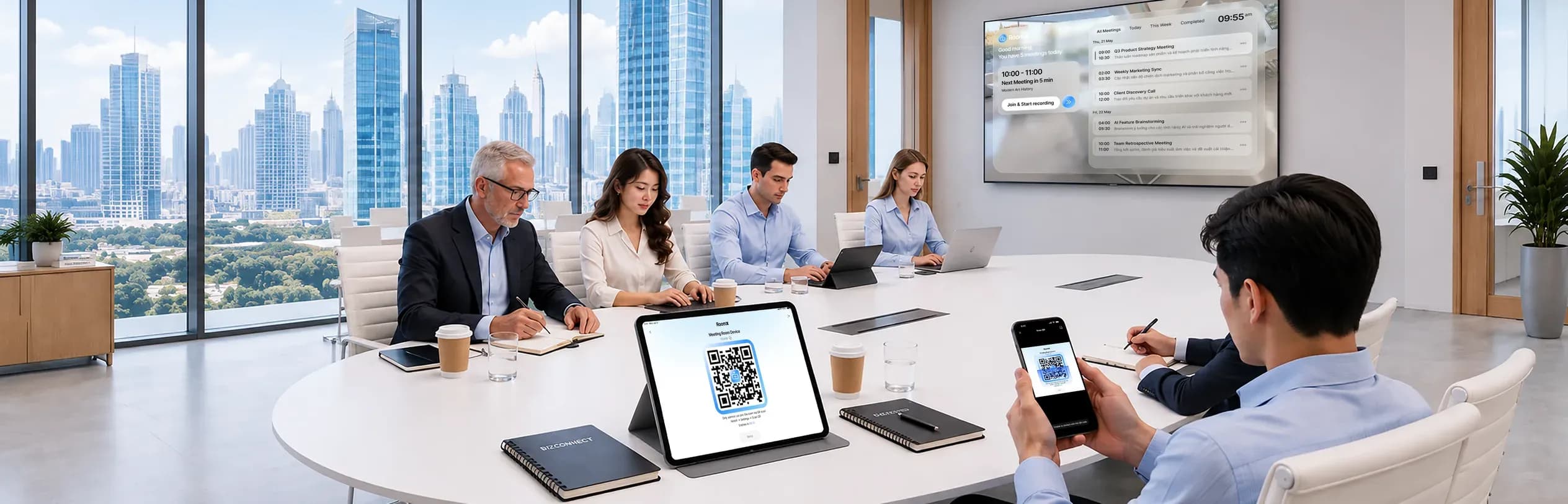
Try it for 30 days in a real meeting room — no infrastructure changes needed.
1M +



NoteX users worldwide
SotaSpeech v2

Our proprietary Vietnamese AI model
Paperwork doesn't just happen during meetings. It starts with printed materials and ends with manually typed minutes sent by email. RoomX and NoteX handle all three stages.
The host opens RoomX, taps once to start. Attendees scan the QR code on screen with their NoteX app.

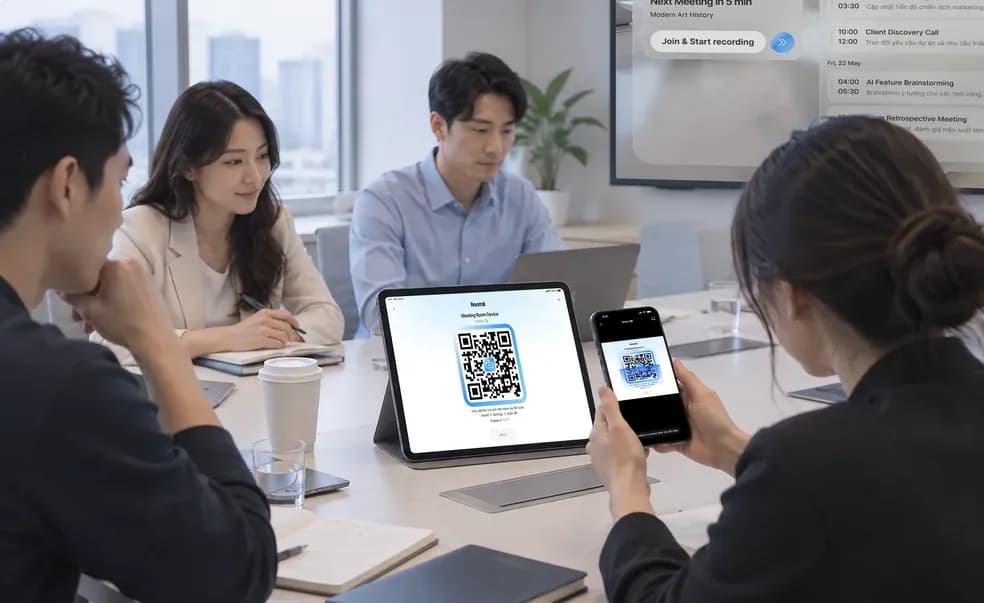
Because it already knows who's in the room, NoteX matches voices to the right names instead of numbering speakers.

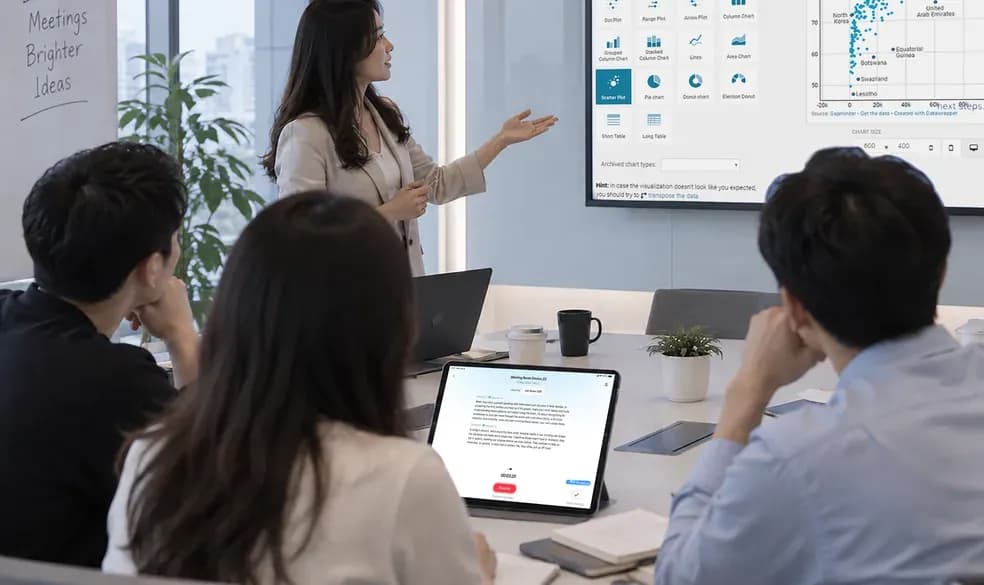
Shared minutes go to everyone who scanned, in the format your organization already uses.

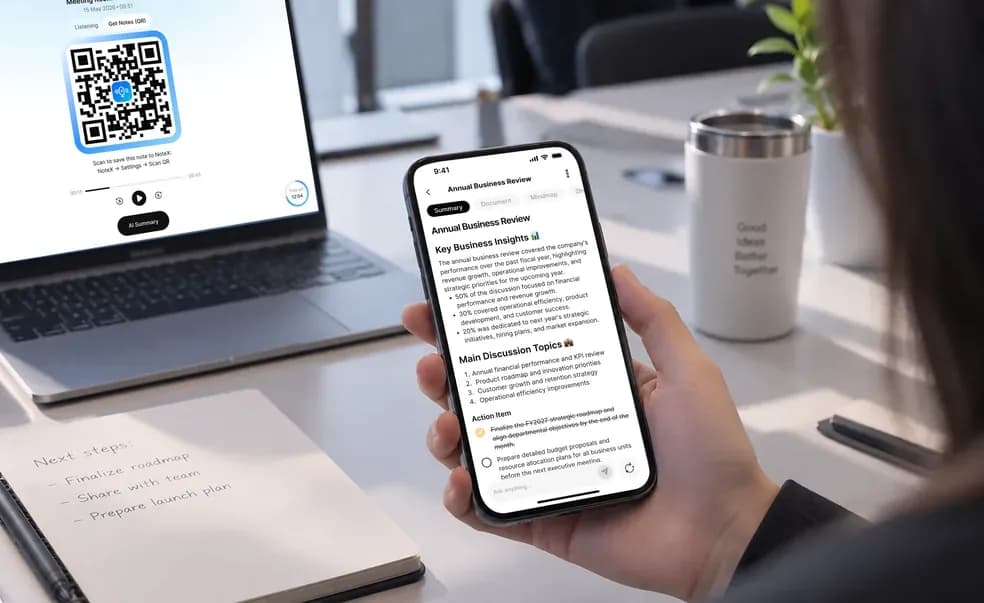
RoomX is the companion app running in the meeting room. Tap once to start recording. Attendees scan the QR code on screen with NoteX -adding their name to the attendee list and getting the shared minutes after the meeting.
No SetupNo WritingNo CablesJust open RoomX and tap to start recording.
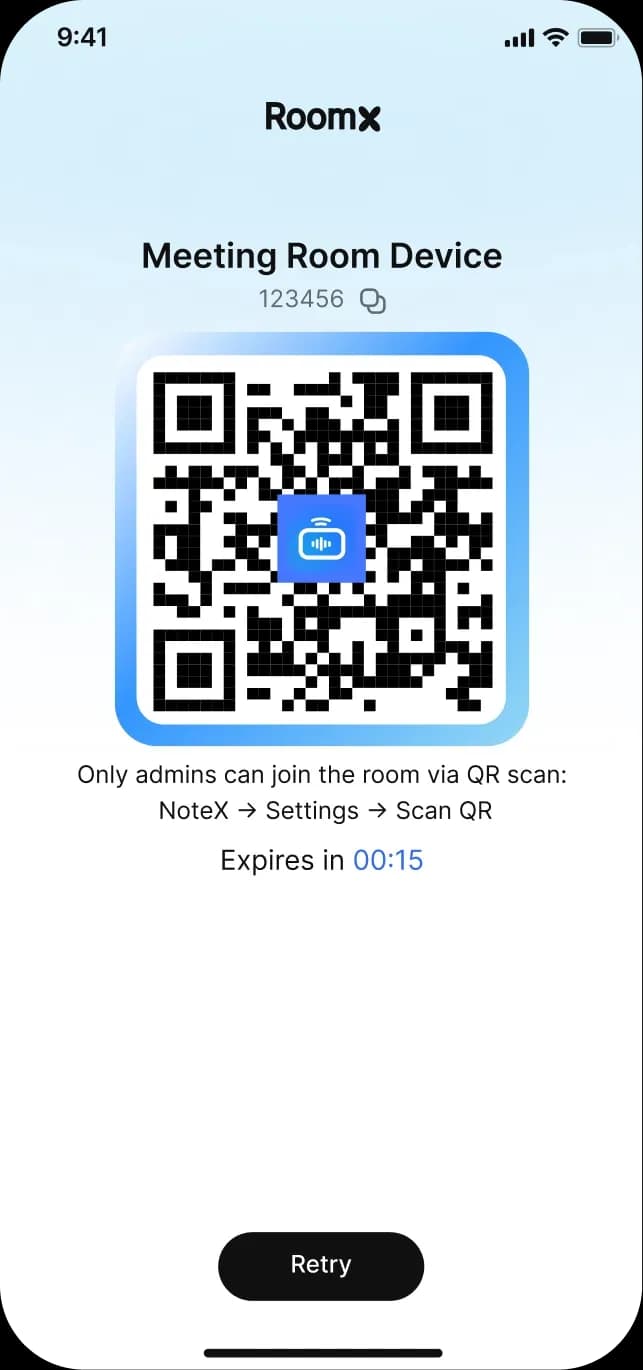
The attendee list forms as people scan in - no one needs to sign a paper attendance sheet.
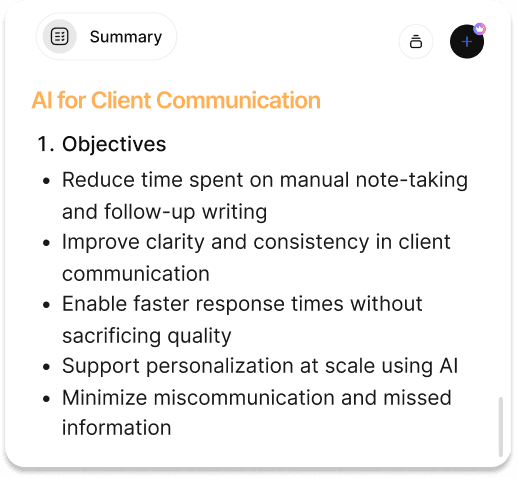 A single copyInstant summary
Everyone who scans gets the same copy. No more comparing notes or arguing over whose version is right.
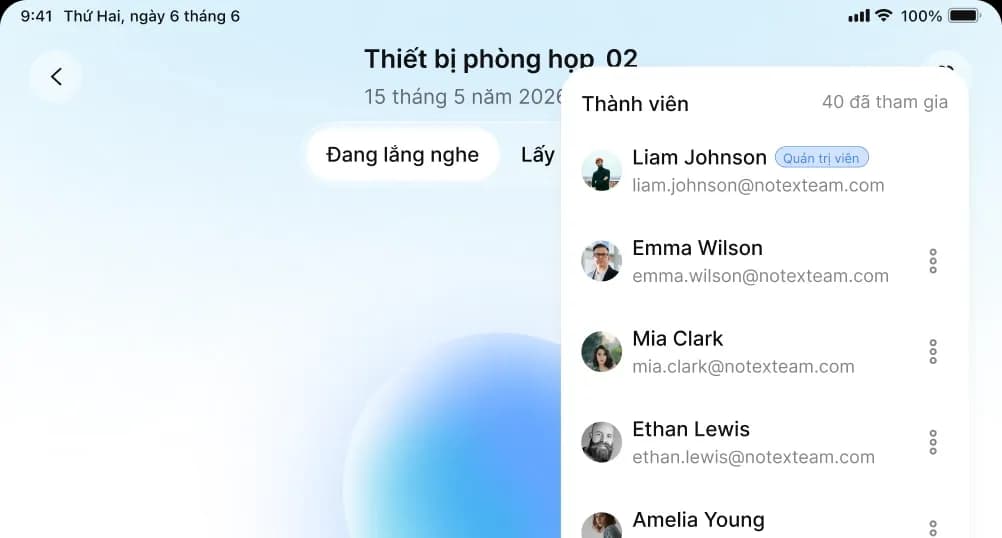 Easy to ViewRemove Members
Easily view the participant list and remove anyone who is no longer needed in the meeting.
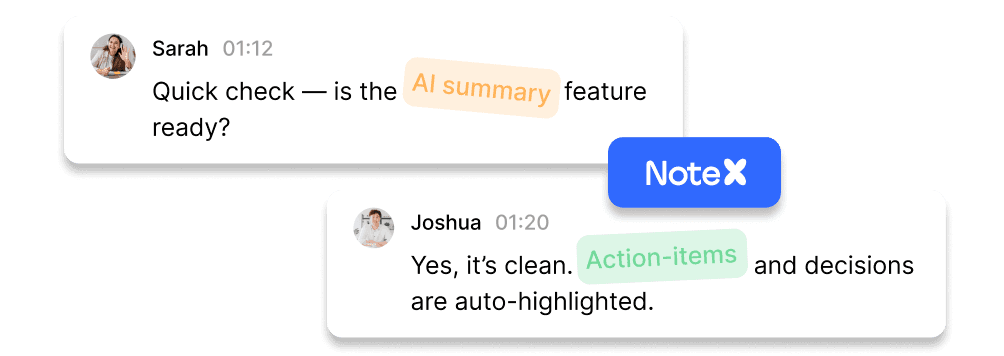
Since NoteX knows who’s in the room, it matches voices to names instead of “Speaker 1” and “Speaker 2”.
In-room meetings, Teams calls, or conferences with hundreds of locations - all follow the same workflow and produce the same meeting minutes. No extra process for your admin team.
NoteX knows who's in the room, so it matches voices to names instead of Speaker 1, Speaker 2.

Scan the QR code in the room
Multiple locations, in-room and remote attendees - all combined into one set of minutes.
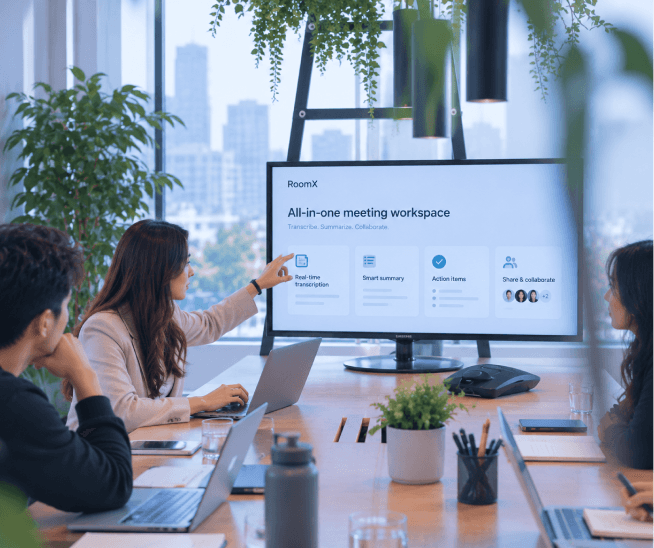
On-site QR scans combined with the online participant list
Open RoomX and tap to start. Attendees scan the QR code with their NoteX app.

Track attendance with QR check-in on-site and a digital attendee list.
NoteX runs on SotaSpeech v2, our in-house Vietnamese speech recognition model. It handles overlapping speech, English phrases, and speakers several meters from the mic.
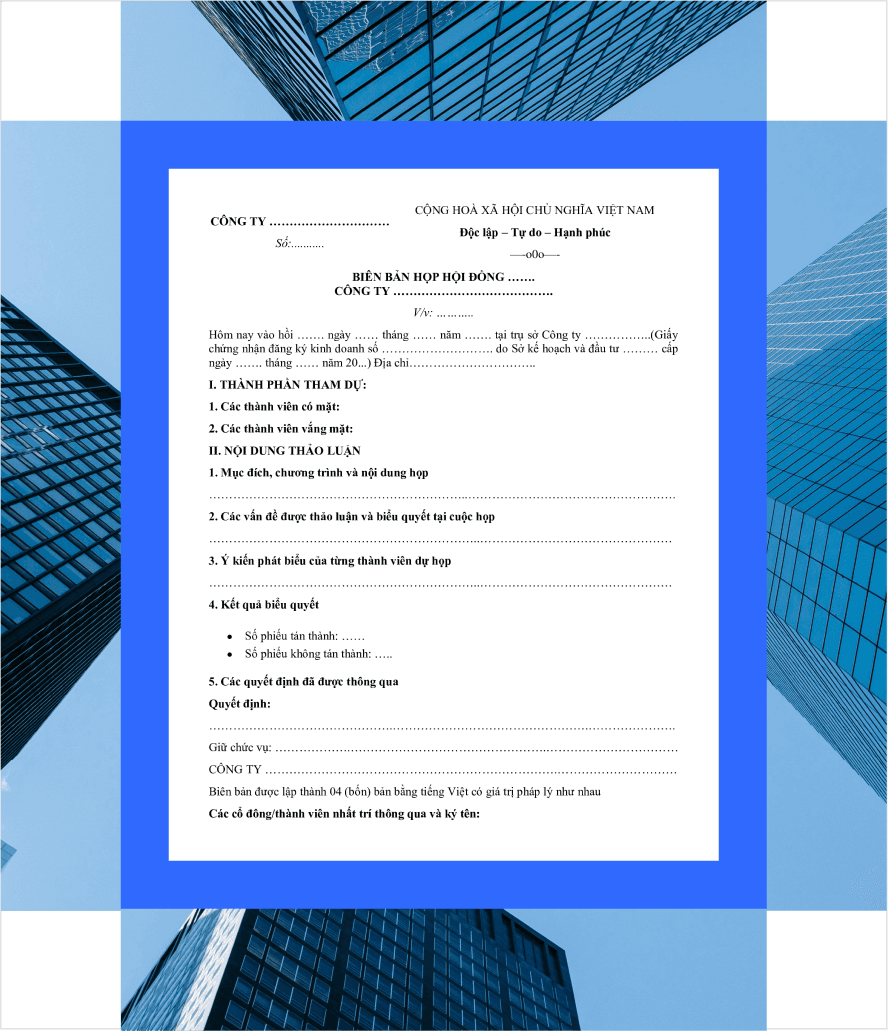
Summarized around discussions, decisions, and action items - the things leaders actually need.
Each person registers their voice once. From then on, minutes show their name instead of “Speaker 1” or “Speaker 2”.
Headers, reference numbers, attendees, chair’s conclusions, and signature fields—all aligned with your organization’s template.
“What discount rate did we agree on last quarter?” → Get the answer with a citation to the exact section of the minutes.
The biggest challenge with automated minutes is knowing who’s speaking. NoteX uses voiceprints: each member records a short sample, and the system recognizes them in every meeting that follows.


Read a short passage in the NoteX app. Do it once - no need to repeat it in every meeting room.
SotaSpeech v2 extracts your voice features into a vector. The original recording doesn’t need to be stored.
Scan the QR code in the room. NoteX already knows who you are and what your voice sounds like. No roll call, no individual microphones.
Meeting content and voiceprints are sensitive data. Since SotaSpeech v2 is our proprietary model and uses no third-party APIs, processing can run entirely within your chosen infrastructure.
Runs on cloud infrastructure in Vietnam. Data stays in-country, with low latency and same-day deployment.
 Best For
Organizations with existing on-premise GPUs
Speech recognition runs on your servers, while management and applications use the shared platform.
 Best For
Organizations with data localization requirements
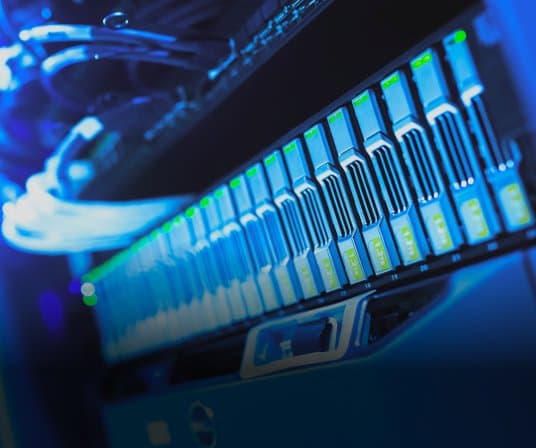
The model, minutes, and voiceprints stay entirely within your internal network. No data leaves for the Internet.
 Best For
Government, banking, and defense
SSO via Microsoft Entra ID, Google Workspace, or existing LDAP.
Only invited participants can access the minutes and attached materials.
Track who viewed, downloaded, or shared each set of minutes and when.
The panel runs on Android tablets, while your existing microphones and displays can still be used.